
Call History
Review recent activity and quickly return calls without jumping between devices.
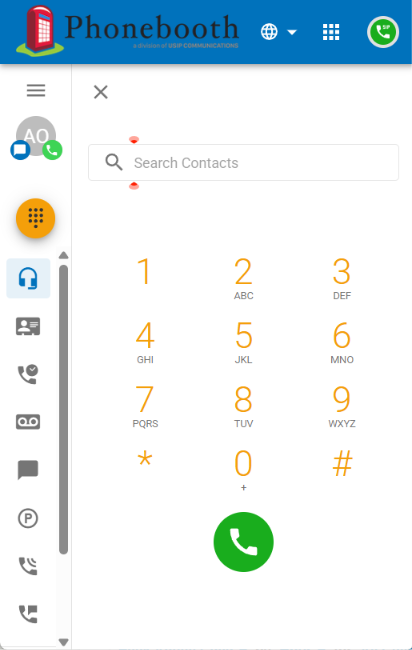

When you’re away from your desk, Phonebooth gives you a flexible WebRTC business phone right in your Chrome browser.
The Soft Client puts familiar Phonebooth tools at your fingertips, using the browser you already work in.
Open it from your Phonebooth Voice Portal. There’s no separate desktop softphone application to manage.
Keep business calling separate from your personal mobile number while staying reachable away from your desk.
Handle calls and manage many of the same everyday features you already use in your Phonebooth portal.
Calling tools, voicemail, routing controls, and call center features — together in one browser-based workspace.
Review recent activity and quickly return calls without jumping between devices.

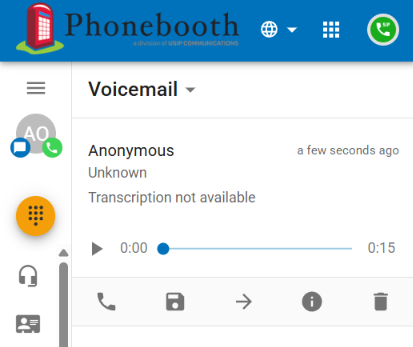
Listen to voicemail and view transcription when available, directly from the Soft Client.

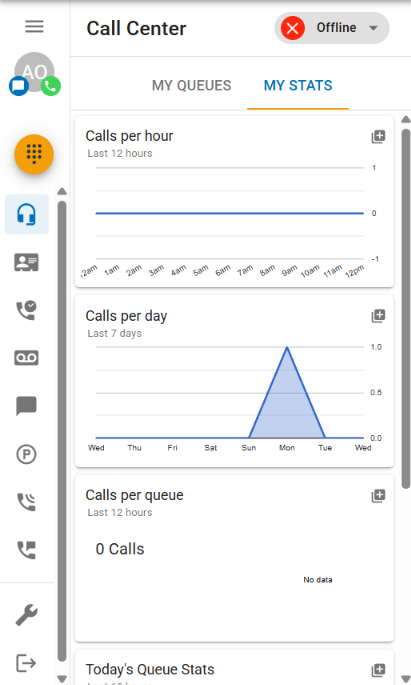
Monitor queues, view call center statistics, manage status, and stay connected to your team’s activity.

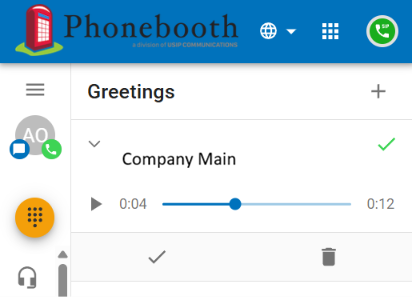
Manage your personal greetings so your caller experience stays current wherever you work.

Control how and where calls reach you using your personal answering rules and routing preferences.
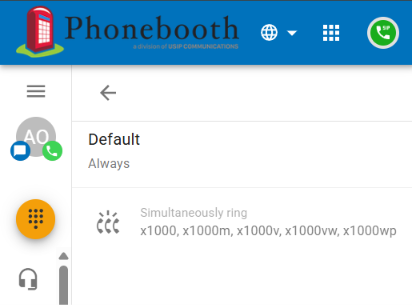
Use contacts, caller controls, DND, and additional calling tools available through the Soft Client experience.
Sign in to your Phonebooth Voice Portal, open Apps, and choose Soft Client. You can also launch it directly at login.phonebooth.com/webphone.
Open the Soft Client →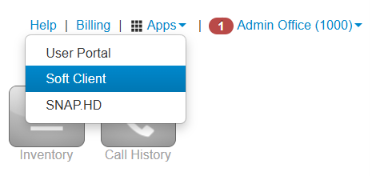
Our support team can help you access the Soft Client and answer questions about available features.